
5 Signs Your SAP Business One Teams Are Working Around the System — Not Through It
Your SAP is live. Your data is in. But if your field team still sends orders on WhatsApp — something went wrong. Here's how to diagnose it, and exactly how to fix it.

Picture this.
You spent four to eight months implementing SAP Business One . The finance team loves it. Reports finally make sense. The CFO is happy.
But walk to the other side of the building — to the warehouse, the sales floor, or the service team — and here is what you actually find:
- A field sales rep is texting stock availability to a customer because checking SAP takes five screens and two minutes.
- A warehouse worker is printing a pick list because barcode scanning in SAP is a desktop-only workflow.
- A field technician is closing jobs via a WhatsApp group, and the supervisor enters it into SAP at the end of the day.
- A production supervisor is updating output on a shared Excel file that someone else manually keys into SAP at night.
None of this is a failure of the ERP. SAP Business One is doing exactly what it was designed to do — manage the back office, maintain records, run financials.
The failure is what happens at the last mile. And it’s costing more than most operations heads realize.
📊 Why This Is So Common
Per SAP’s published figures, 80,000+ companies run SAP Business One globally. In our experience deploying mobile execution layers for SAP B1 customers, the majority of frontline ERP users — field sales, warehouse, and service staff — still rely on manual processes, phone calls, or messaging apps to communicate operational data back to the ERP.
The 5 Signs You Have a Last-Mile Gap
Go through these one by one. Be honest. If three or more apply, you have a solvable problem — and this article will show you exactly how to solve it.
Sign 1 — Your sales team manages deals outside SAP
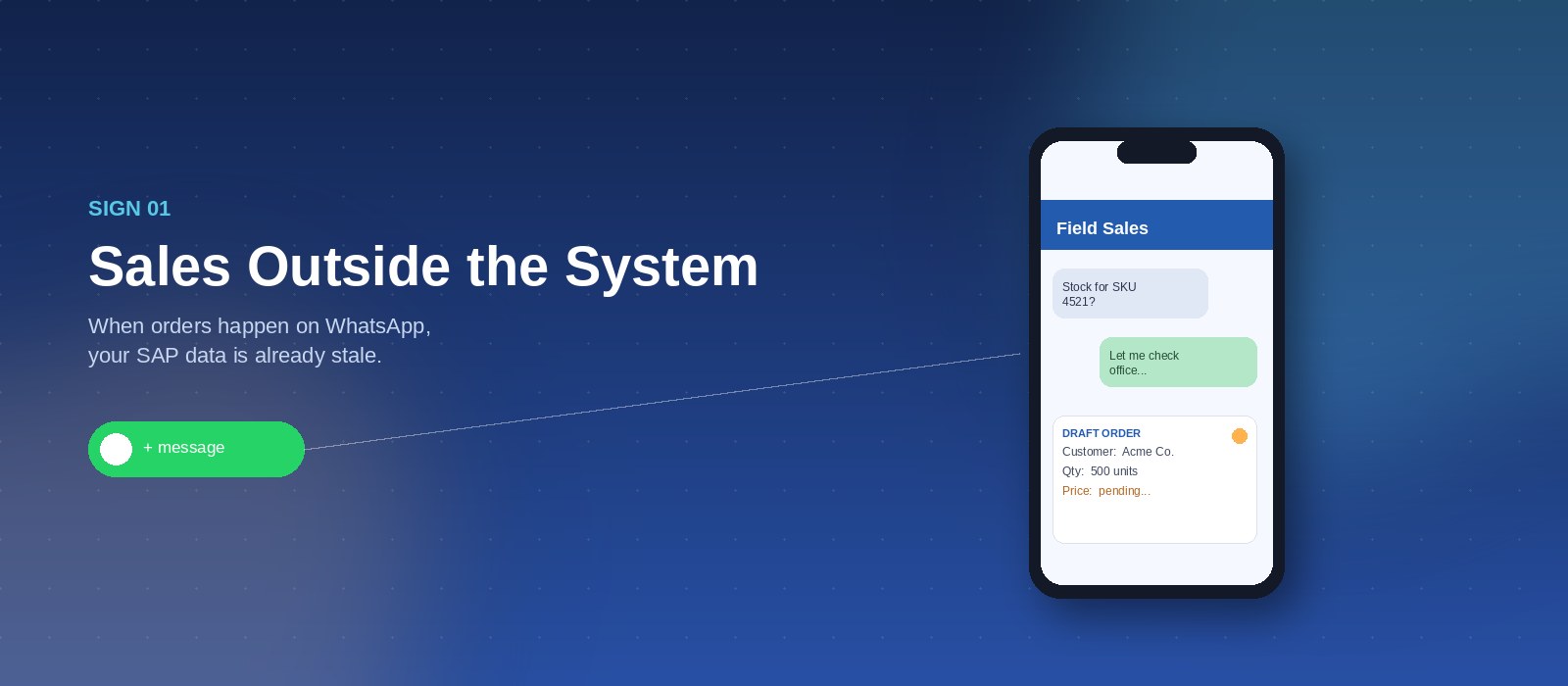
Ask your top sales rep where their pipeline lives. If the answer is “my phone” or “a spreadsheet” or “CRM” (a separate one, not SAP), your CRM data in SAP is unreliable.
SAP Business One has CRM functionality, and SAP also offers the SAP Sales Mobile App where users can place orders, generate quotations, and access customer data on the go — powerful capabilities that go beyond the default SAP mobile app.
However, the SAP Sales Mobile App is a standard product — its screens, workflows, and business logic cannot be modified or extended to fit a specific enterprise’s processes. For many enterprises, the standard mobile experience does not extend deep enough into the operational reality — a rep needs distributor-specific pricing, live stock visibility across multiple warehouses, customer credit-limit validation, and geo-tagged visit notes, all in a single offline-capable workflow tailored to that business’s process.
UpBuff’s mobile applications, by contrast, are fully custom-built to each customer’s specific workflows — mirroring exactly how their sales, service, warehouse, and shopfloor teams actually operate. Where those last-mile workflows are not extended, sales reps work around the system.
WHAT IT LOOKS LIKE IN PRACTICE
Sales rep visits client → checks stock via WhatsApp to office → gets price approval on the phone → writes order on a notepad → office staff enters it into SAP that evening → SAP shows the deal 6 hours late.
This is not a minor inconvenience. If your rep quoted a price at 2pm but stock changed at 3pm, the order entered at 8pm reflects a reality that no longer exists.
Sign 2 — Warehouse accuracy depends on when someone “does the entry”
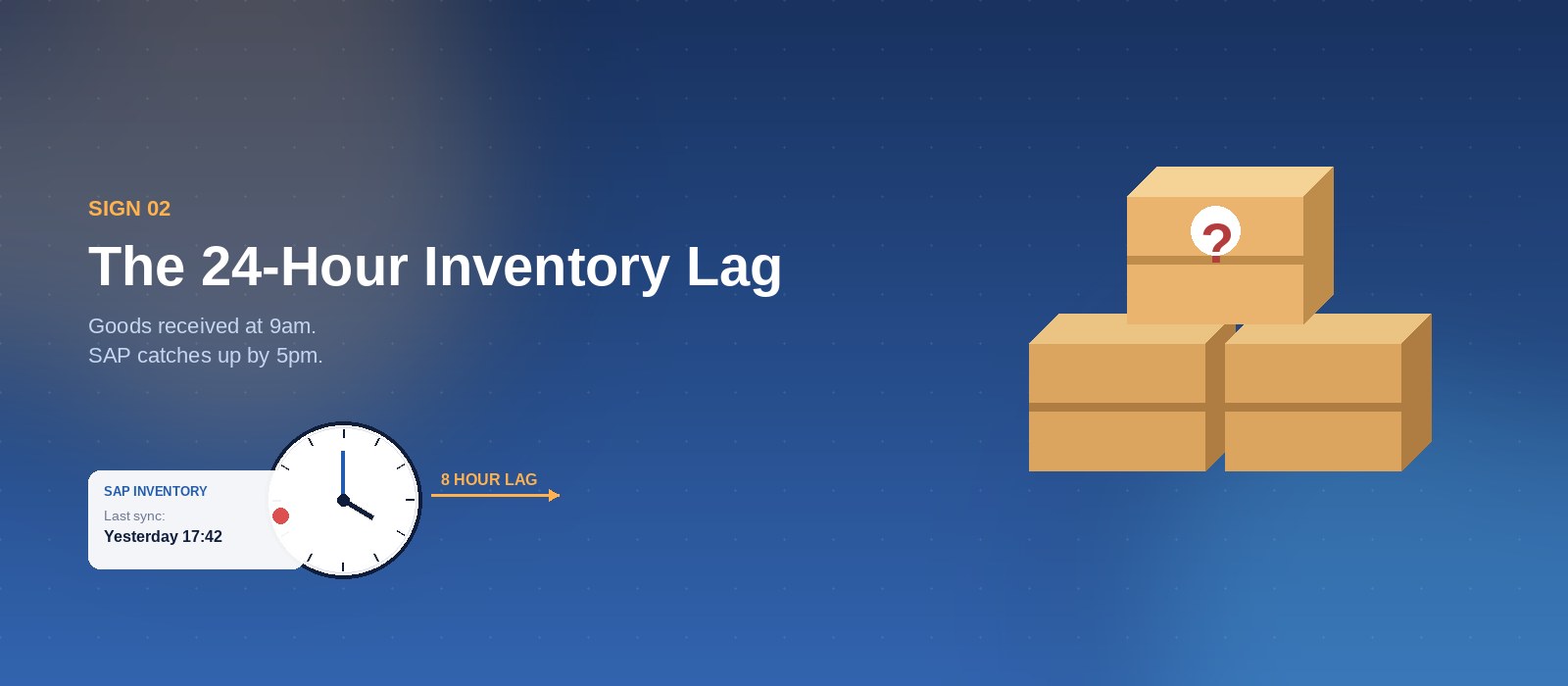
Goods were received at 9am. The SAP inventory reflects it at 5pm. In between, your sales team is quoting availability based on yesterday’s numbers.
The standard SAP Business One goods receipt workflow requires a desktop, multiple confirmation steps, and a trained user. In a real warehouse with forklifts, cold storage, and a shift-based team, that is not how work gets done.
So warehouse teams do it the practical way: paper, printed lists, or a mobile spreadsheet. Real-time inventory accuracy goes out the window. And it costs you in overselling, stock disputes, and audit issues.
Sign 3 — Field service technicians are not closing jobs in SAP
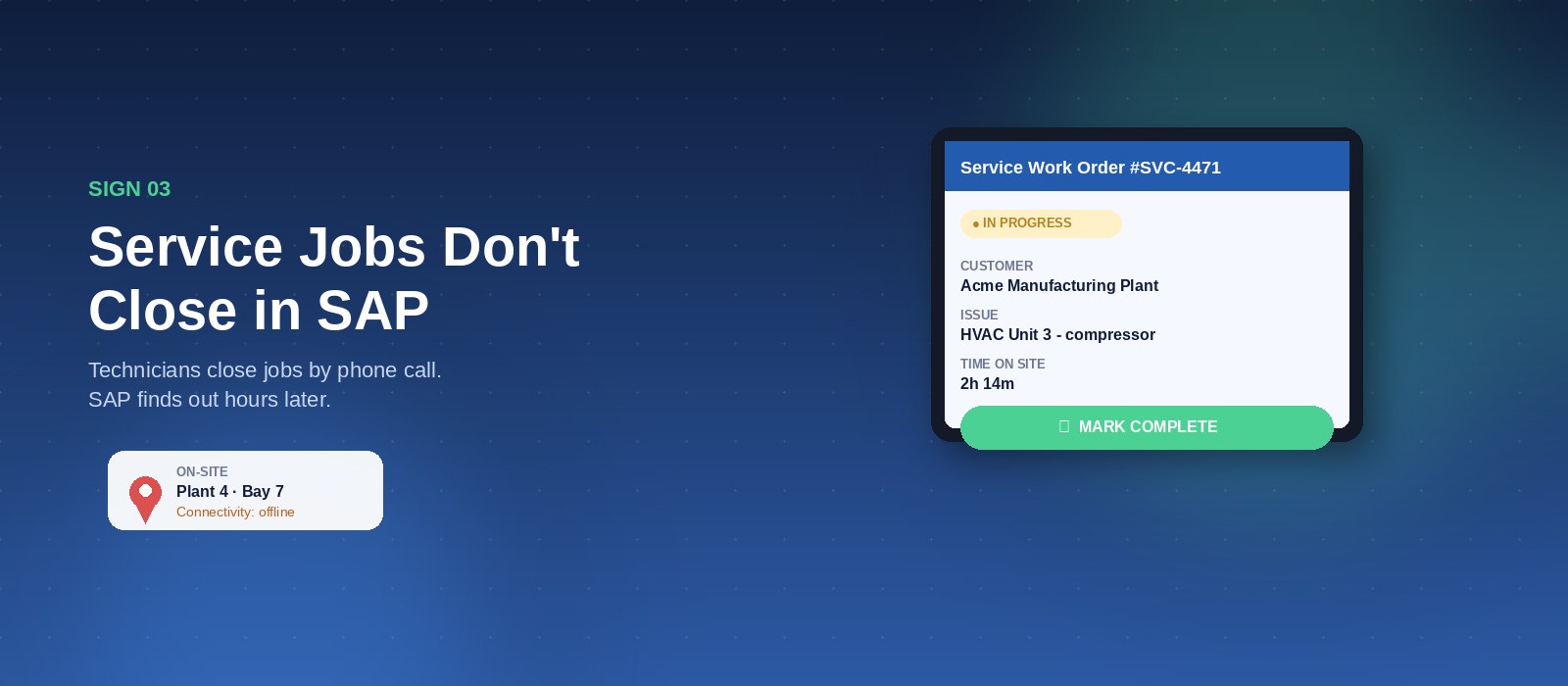
Your service business runs on SAP. Work orders are created, assigned, and tracked there. But ask a field technician how they report job completion, and you will hear: “I call my supervisor” or “I send a message” or “I fill in the form when I get back to the office.”
The SAP service module is not designed for a technician standing at a customer site with a tablet or mobile phone in a basement, plant area, or remote location where network connectivity is poor or unavailable. And to be clear: SAP does have mobile apps — the issue is that lastmile service execution still breaks down when technicians need a fast, offline-capable workflow that they will actually use in the field. So, they don’t use it. Which means your work orders sit open in SAP long after the job is done. Invoicing gets delayed. SLA tracking is inaccurate. Customer history is incomplete.
THE RIPPLE EFFECT
A technician closes a job verbally at 11am. The supervisor enters it into SAP at 4pm. Finance raises the invoice the next morning. The customer receives it two days after the service was completed. In a world where customers expect instant invoicing, this is a competitive disadvantage.
Sign 4 — Your shop floor data has a time lag
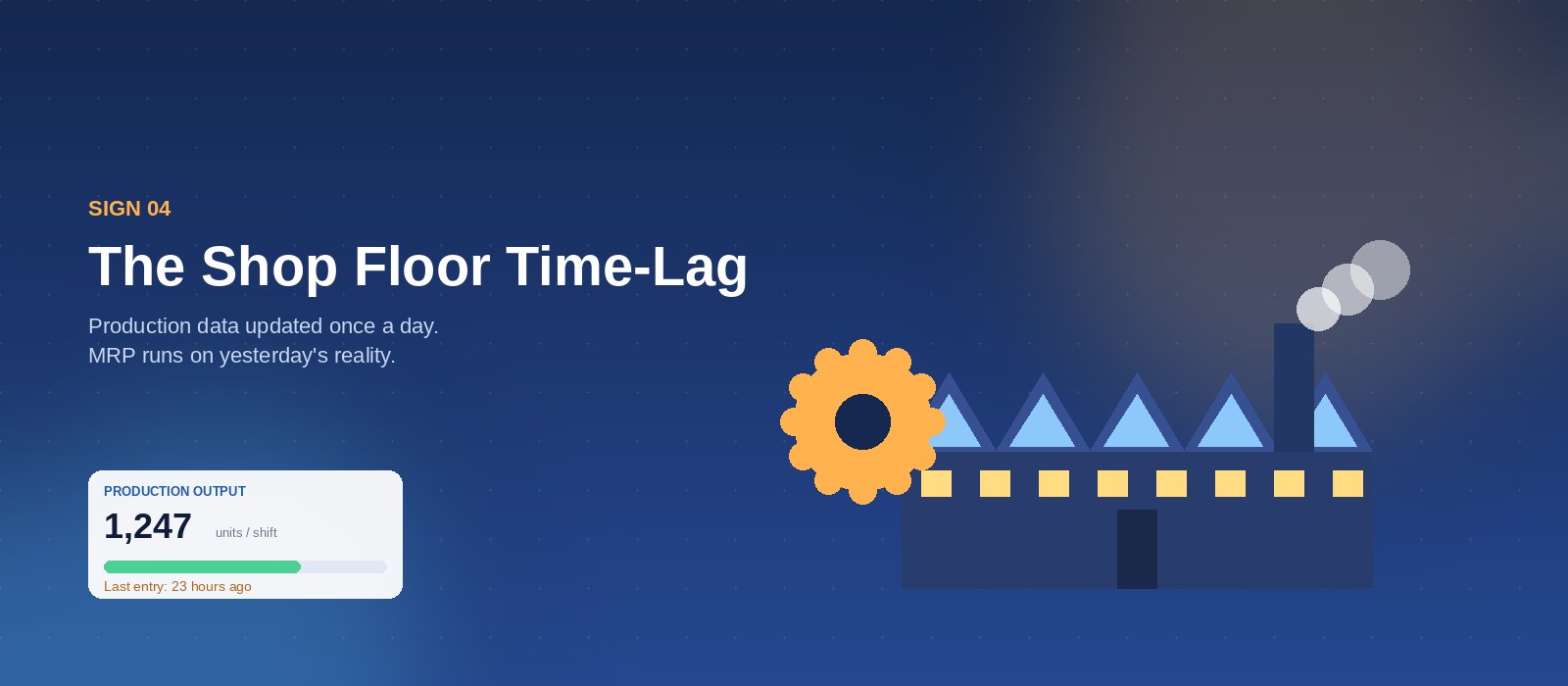
Manufacturing companies spend months configuring production orders, BOMs, and MRP in SAP. Then go-live happens — and the shop floor supervisor updates SAP once a day, at the end of the shift, from a desktop terminal.
Every decision made on the back of production data in SAP during the day — material procurement, sales commitments, delivery planning — is based on yesterday’s picture. Your ERP is a system of record, not a system of reality.
Sign 5 — Your SAP reports are accurate, but your operations aren’t
This is the most telling sign. The SAP reports look clean. Finance is satisfied. Compliance is met. But operations leadership is still making daily decisions based on calls, messages, and gut feel — because they don’t trust the SAP data to be current.
When your operations team stops relying on SAP for real-time decisions, the ERP has become a compliance tool, not an operations tool. You are getting less than half the value you paid for.
| 60%+ | 24 hrs | 3–5× |
|---|---|---|
| of SAP B1 field users still use manual processes for daily execution | average data lag between frontline activity and ERP entry | faster order processing with mobile ERP vs. manual entry |
Based on UpBuff customer observations across SAP B1 deployments. Individual results vary by industry, deployment scope, and operational maturity.
Why Does This Happen After a Successful Go-Live?
This is the question that frustrates every operations director who invested in SAP. The ERP was implemented correctly. The partner delivered. The data migrated. The training was done.
The gap is not a failure of implementation. It is a gap in the design of ERP systems themselves.
SAP Business One was built to be a system of record — the authoritative source for financials, compliance, inventory valuation, and reporting. It was not built to be the tool that a field sales rep uses between customer visits, or that a warehouse worker uses while moving pallets on a forklift.
That is not a criticism of SAP. It is simply the boundary of what any back-office ERP system does well.
💡 The Key Insight
The companies that get the most from SAP Business One are not the ones who customize it to do everything. They are the ones who keep SAP as the system of record — and add a purpose-built execution layer for the frontline.
How to Fix It — Without Touching SAP
The answer is not to re-implement SAP. It is not to buy a separate CRM. It is not to customize SAP with add-ons that have to be reworked every time SAP releases an update.
The answer is an ERP execution layer — a mobile-first platform that sits between SAP and your frontline teams, gives them the tools they actually need in the field, and sends every action back to SAP in real time.
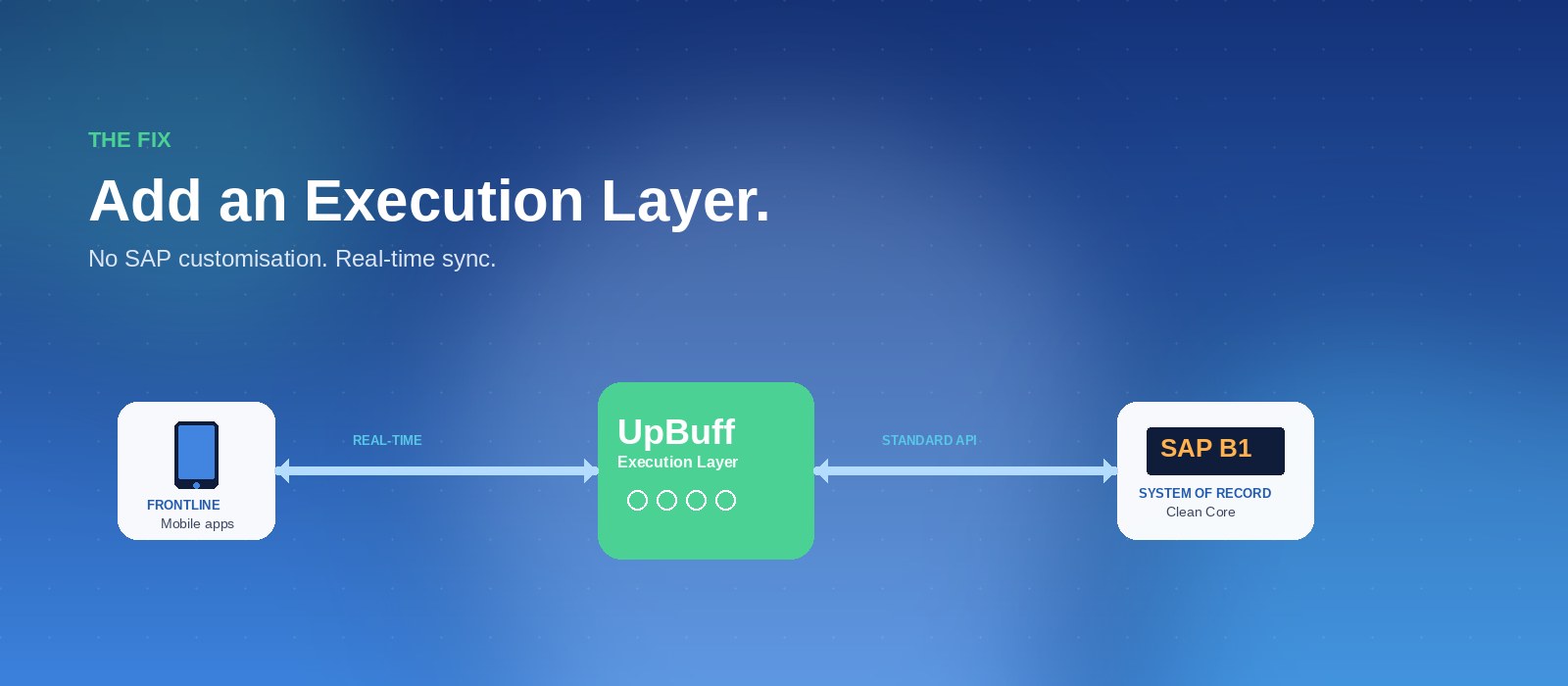
| ❌ Without Mobile ERP | ✅ With UpBuff Execution Layer | |
|---|---|---|
| Sales order entry | Rep calls/messages office → manual SAP entry that evening | Rep raises order on mobile → SAP updates in real time with ERP rules applied |
| Goods receipt | Printed pick list → batch entry at shift end → 24hr inventory lag | Barcode scan on mobile → SAP inventory updates in seconds |
| Field service close | Technician calls supervisor → supervisor logs in SAP → 4–8hr delay | Technician closes job on mobile, offline-capable → auto-posts to SAP on sync |
| Production updates | Supervisor enters daily at desktop → reports reflect yesterday | Shopfloor updates on tablet → SAP production orders reflect reality in real time |
| SAP upgrade impact | All customisations must be retested → expensive upgrade projects | Execution layer is independent of SAP version → zero rework on upgrade |
How UpBuff Closes the Gap
UpBuff is an ERP Execution Platform built specifically for SAP Business One, SAP S/4HANA, Oracle, and Epicor. Every product in the UpBuff suite — CRM, Field Service Management, Warehouse & Inventory, Sales & Distribution, Manufacturing Shopfloor, Asset Tracking — is built to operate at the last mile.
Critically, UpBuff integrates with SAP via standard APIs — the SAP Service Layer, DI API — with no modification to the ERP core. Your SAP system stays clean and upgrade-ready.
-
Connect to your SAP in days, not months. UpBuff connects to SAP Business One via standard integration. There is no custom code written inside SAP. The ERP core stays clean. Setup and data mapping typically takes one to two weeks.
-
Deploy mobile tools to your frontline teams. Sales reps, warehouse staff, field technicians, and production supervisors each get a role-specific mobile app. Offline-capable, barcode-enabled, and designed for how they actually work — not how an ERP consultant thinks they should work.
-
Watch SAP data become accurate and real-time. Every action in UpBuff flows back to SAP automatically. Stock levels, open orders, work order status, production completions — all current, all the time. Your SAP reports finally reflect today, not yesterday.
-
Stay upgrade-ready forever. Because UpBuff never modifies SAP core, your ERP remains compliant with SAP’s Clean Core standard. When SAP Business One 11 releases (expected 2027 per SAP’s published roadmap), your operations keep running — no rework, no expensive project.
What Teams Typically See in the First 90 Days
📦 Warehouse teams go from same-day to real-time inventory
Stock levels in SAP reflect actual movements within minutes, not hours. Overselling drops. Audit readiness improves. The warehouse team starts using the system instead of working around it.
📱 Sales reps raise orders from the field, not the office
Orders enter SAP with correct pricing, credit limits, and stock availability applied — at the time of sale. Order-to-invoice cycle shortens. Manual re-entry errors disappear.
🔧 Field service jobs close the same day they are completed
Work orders are updated in SAP before the technician leaves the customer site. Invoicing moves from 2–3 days after service to same-day. Service history becomes reliable.
🏭 Shopfloor data reaches management in real time
Production completions, scrap, and downtime feed SAP as they happen. Operations decisions are made on current data. MRP planning becomes more accurate.
📖 Real-world example
See the same pattern in action: read how FMCL extended Oracle ERP into 30,000+ retail outlets across Ghana in 2 months — paper-based sub-distributor billing replaced with a geo-tagged mobile sales platform. Different ERP, same execution layer principle.
The Bottom Line
If your frontline teams are working around SAP instead of through it, the problem is not your ERP. The ERP is doing exactly what it was built for.
The missing piece is the execution layer — the mobile-first platform that connects the back office to the frontline, keeps SAP accurate in real time, and never requires a modification to the ERP core.
That is the gap UpBuff was built to close.
See it for yourself — no slides, no sales pitch
Book a 30-minute demo and we’ll show you UpBuff working live inside a SAP Business One environment — field sales raising orders, warehouse scanning in real time, and data syncing back to SAP instantly. No ERP changes. No lengthy project.
Frequently Asked Questions
What is an ERP execution layer?
An ERP execution layer is a mobile-first platform that sits between your ERP (such as SAP Business One) and your frontline teams — field sales, warehouse, field service, and shopfloor. It gives those teams a tool they will actually use in the field, then sends every action back to the ERP in real time. The ERP remains the system of record; the execution layer makes that record current.
Does UpBuff modify my SAP system?
No. UpBuff integrates with SAP through standard, supported APIs — the SAP Service Layer and DI API — with no modification to the ERP core. Your SAP system stays clean, compliant with SAP’s Clean Core standard, and fully upgrade-ready.
How long does it take to deploy UpBuff?
Initial connection to SAP Business One and core data mapping typically takes one to two weeks. Full rollout of role-specific mobile apps to your sales, warehouse, service, or shopfloor teams varies by scope, but most customers go live with their first frontline team within a month and a half.
Will UpBuff still work when SAP releases a new version?
Yes. Because UpBuff never modifies the SAP core and integrates only through standard, supported APIs, your execution layer is independent of SAP version. When SAP releases new versions, your operations keep running — no rework, no expensive upgrade project on the execution layer side.
About UpBuff: UpBuff is an ERP Execution Platform that extends SAP Business One, SAP S/4HANA, Oracle, and Epicor into real-time field sales, warehouse, field service, and manufacturing operations — without modifying your ERP core.
Related posts
View all posts »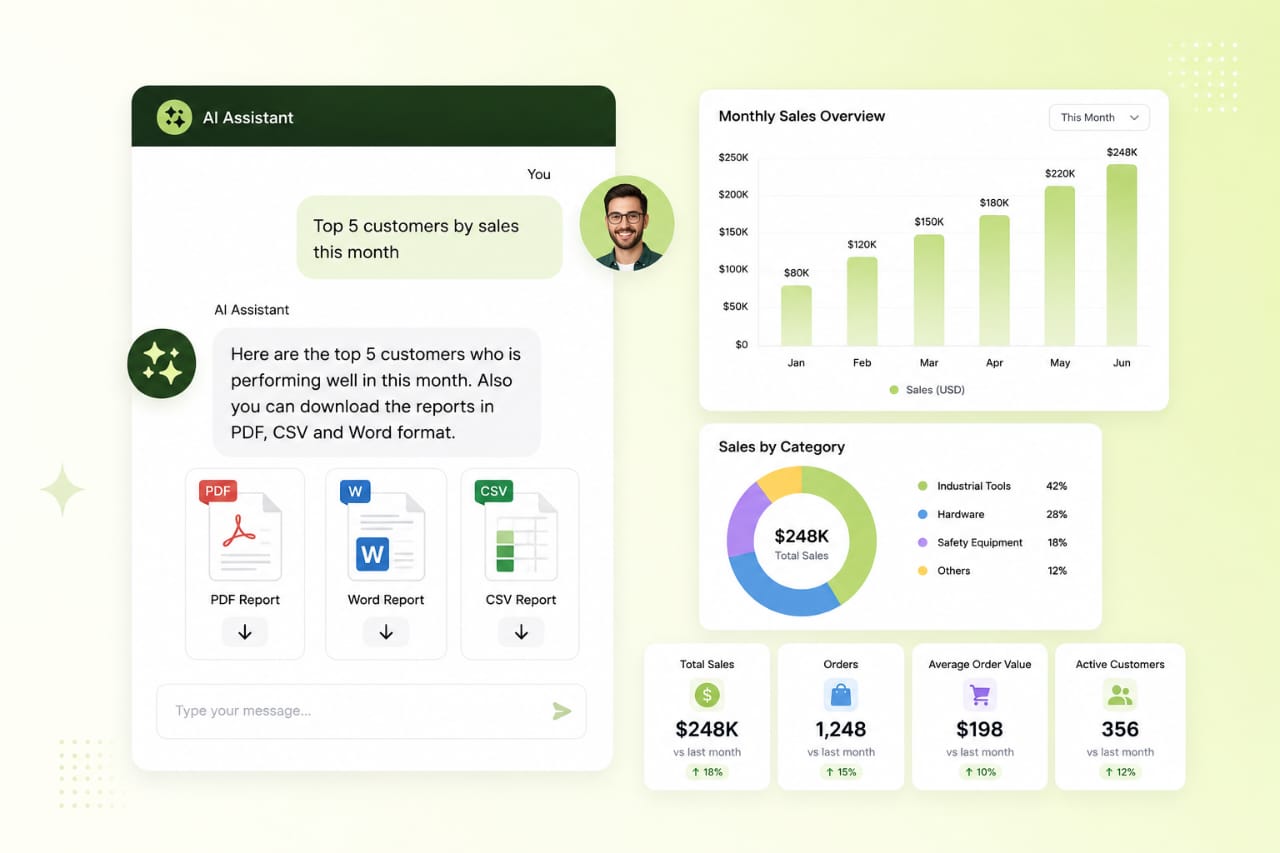 ERP Operations
 Touchless Order Processing for SAP Distributors: A Practical Guide
Distributors live or die on order speed and accuracy. Here's how touchless order processing turns the flood of email, PDF, and WhatsApp POs into posted SAP Sales Orders — without growing your order desk.
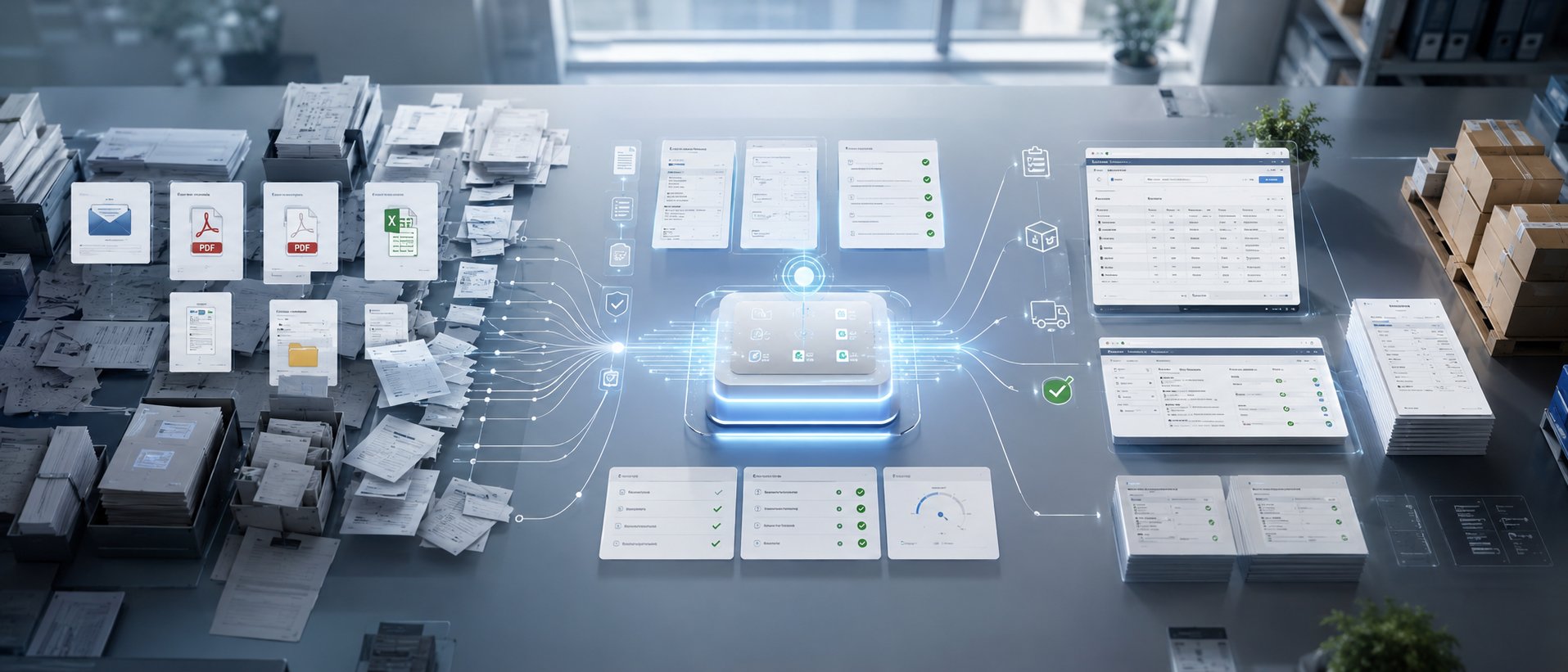 ERP Operations
 How to Automate Sales Order Creation in SAP Business One
Still keying customer POs into SAP B1 by hand? Here are the practical ways to automate sales order creation in SAP Business One — from native tools to AI-driven, touchless PO-to-SO automation.
 ERP Operations
 AI PO-to-SO Automation vs. Manual Order Entry vs. EDI: Which Wins?
A clear, side-by-side comparison of the three ways to turn purchase orders into SAP Sales Orders — manual entry, EDI, and AI PO-to-SO automation — with a simple framework for choosing the right one.